Title here
Summary here

The Microvessel project is a Chaste add-on library with functionality for modelling blood flow, angiogenesis and nutrient transport in microvessels. It is overviewed in “Microvessel Chaste: An Open Library for Spatial Modeling of Vascularized Tissues”, Biophys J., 2017, doi: 10.1016/j.bpj.2017.03.036. Detailed installation instructions are below.
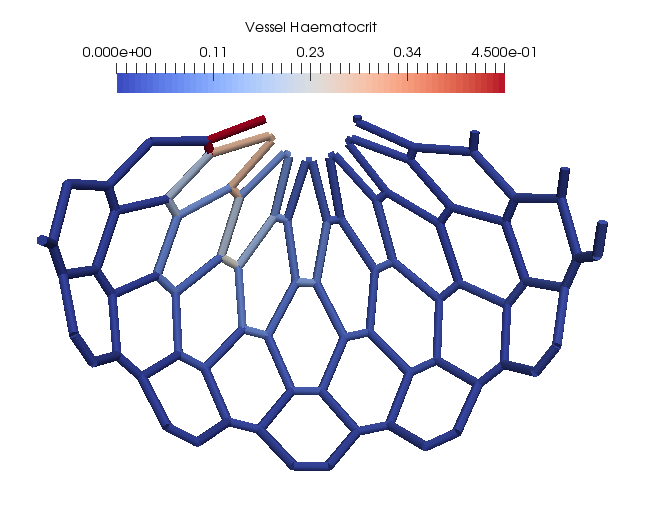
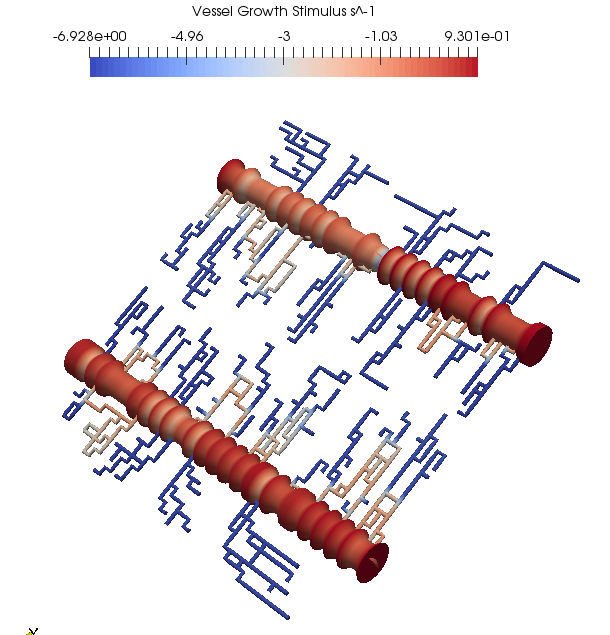
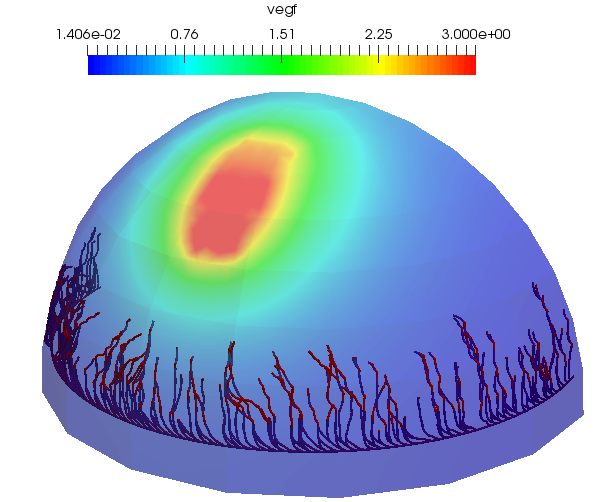
Click on the images below to see some example applications.
The project can be used directly as a typical C++ Chaste project. First, Chaste dependencies need to be built following the Chaste Install Guide. The project only supports the development version of Chaste. This can be obtained by doing:
2026 Note: it may be necessary to check out a revision of Chaste from 2017.
git clone https://github.com/Chaste/Chaste.git $CHASTE_SOURCE_DIRThe project code itself can be obtained by doing:
git clone https://github.com/Chaste/project_Microvessel.git $MICROVESSEL_PROJECT_SOURCE_DIRThe Microvessel project code needs to be included in the main Chaste source. This can be done with a symbolic link:
cd $CHASTE_SOURCE_DIR/projects
ln -s $MICROVESSEL_PROJECT_SOURCE_DIR
The C++ libraries can be built using the Chaste CMake build system. First, create a build directory outside the source tree and proceed as:
cd $CHASTE_BUILD_DIR
cmake $CHASTE_SOURCE_DIR
make project_Microvessel -j $NUM_AVAILABLE_CPUS
This will build the C++ library and all tests. To avoid building tests do:
make chaste_project_Microvessel -j $NUM_AVAILABLE_CPUSas the final command. The Chaste CMake build system guide should be consulted for options related to generating optimized builds, running other types of test and installation as a system library.
The source and test code are in the src and test folders respectively. Unit tests can be built and run using the Chaste CMake framework as detailed here. It is recommended that the tutorials are followed. To run the first tutorial do:
ctest -R TestBuildVesselNetworkLiteratePaperTo run all C++ tests and tutorials do:
ctest -L project_MicrovesselA conda Python package for Linux is currently under development. In the meantime this package needs to be built from source as a PyChaste module. First, build PyChaste following the instructions here.
Then, follow the above C++ instructions to build the Microvessel project, but with the additional CMake flag -DBUILD_MICROVESSEL_PYTHON=ON. The final steps should look like:
cmake -DBUILD_MICROVESSEL_PYTHON=ON $CHASTE_SOURCE_DIR
make project_Microvessel
make project_Microvessel_Python
The Python package microvessel will be in $BUILD_DIR under Chaste/projects/Microvessel/python. The finished package should be copied into the chaste/projects module of PyChaste.
The Python source and tests are in the src/python and test/python folders. The Python tutorials should be followed next.
To run the Python tutorial do:
ctest -R TestPythonBuildVesselNetworkLiteratePaper.pyTo run all Python tests do:
ctest -L project_MicrovesselA full list of tutorials is given at the bottom of this page.